
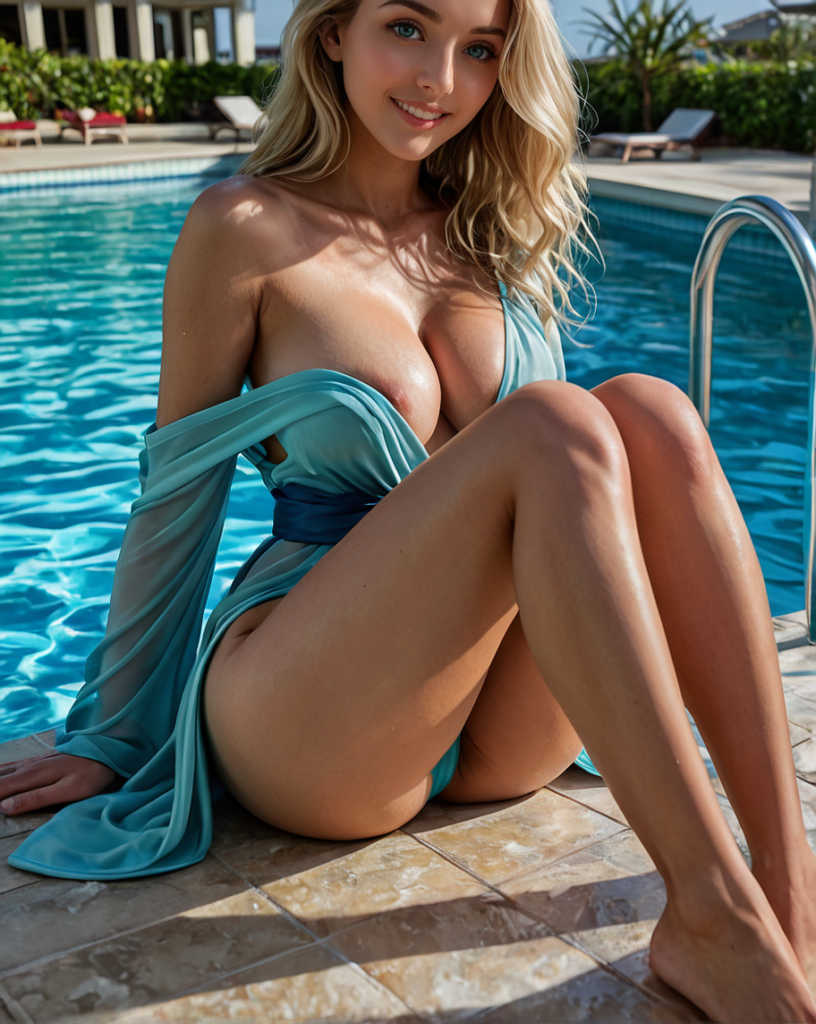
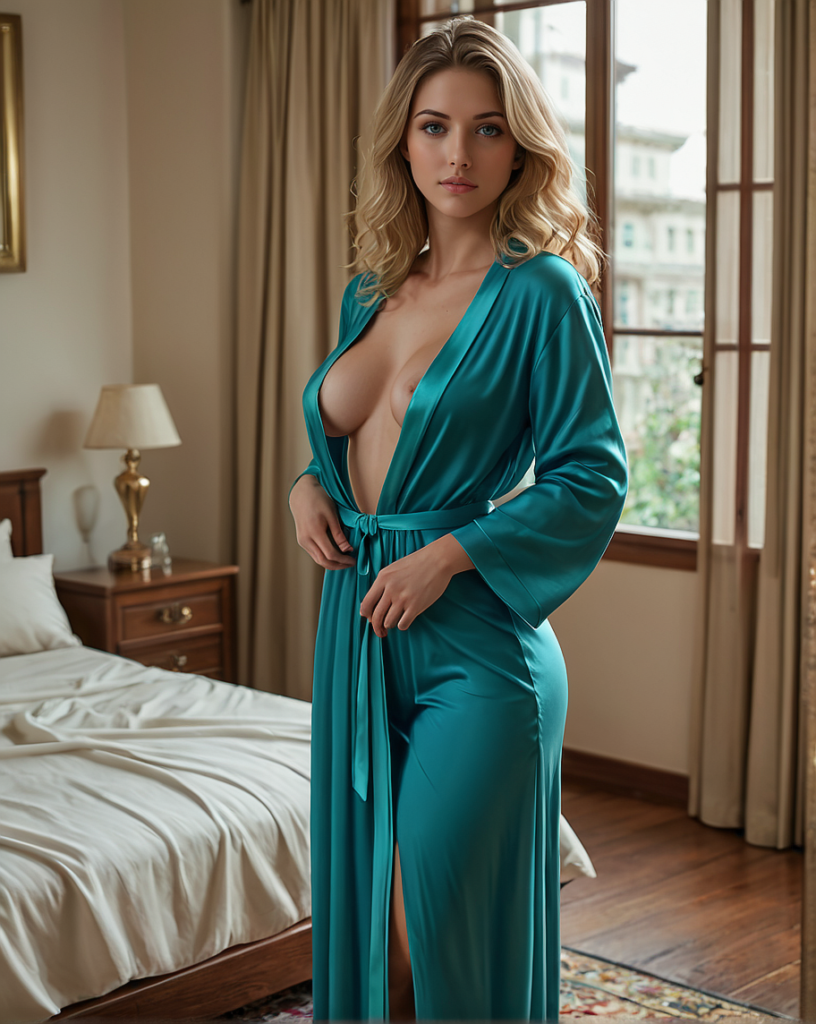
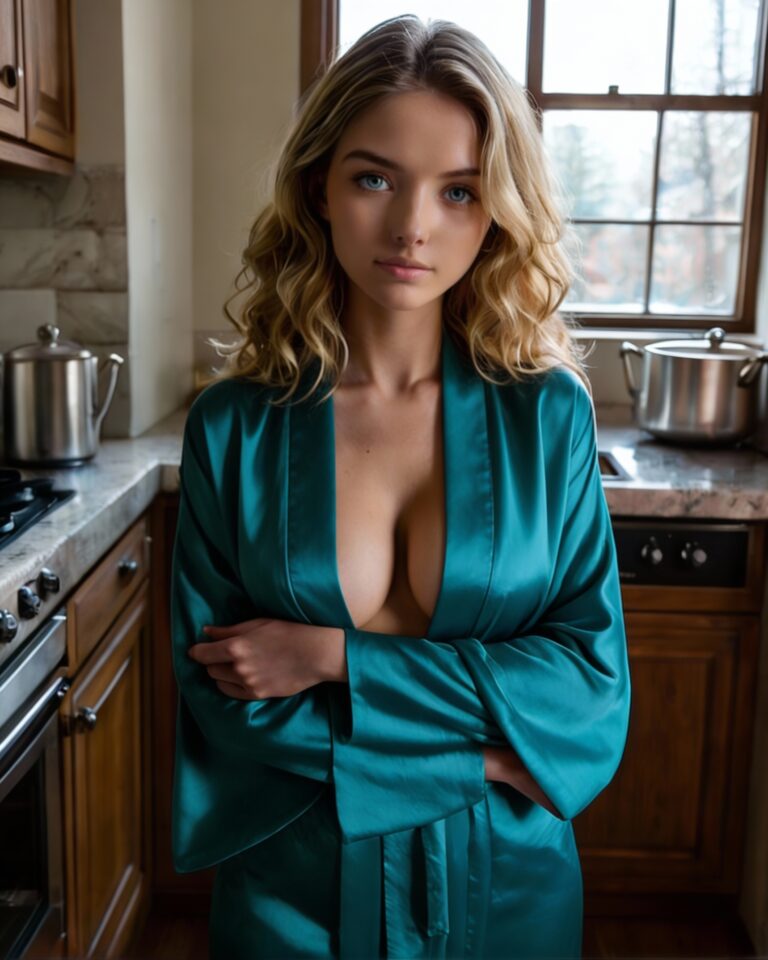
I have been on Ourdream AI Premium for two months now, using it regularly to test everything it has to offer. The adult platform boasts of being the best NSFW virtual girlfriend playground, and rightfully so. It has been such a blissful experience, most of which I documented in the last article. Today, we are going to focus on the Ourdream AI NSFW video generation review 2026. We will also explore the cost of generating images and videos, as well as a guide to save on your Dreamcoins.
Ourdream AI NSFW Review 2026
In the previous article, I showed you how to get started and get the most out of Ourdream AI, from the interface and chat to navigating the platform.
Today, our focus will be solely on Ourdream AI NSFW features 2026, especially in terms of generating adult AI images and videos.
This guide will walk you through the process of creating accurate and visually strong images and videos. Ourdream AI image generation costs way less than video generations, and hence, I aim to help you use your dream coins more effectively.
Before we go on, I will revise the cost of generating images and videos using Ourdream AI.
Image generation cost:
- 5 dreamcoins for in-chat images
- 10 dreamcoins generating 2 images from the base character
- 10 Dreamcoins to edit the image
It is imperative to note that each edit will take some Dreamcoins from your account. Therefore, pay attention to how you create your base image when creating a character on Ourdream AI. I will walk you through creating your character’s base image.
Video generation Cost for basic low-quality video:
- Starts at 100 Dreamcoins for a basic 5s video
- 50 Dreamcoins for editing
- 100 Dreamcoins, increasing the quality to 720p
- 600 Dreamcoins for 30s video
- 1200 Dreamcoins for a 60s video
- Extending by 5s 100-200 coins
In addition to these charges, enhancing your videos or using custom prompts can rapidly increase the Dreamcoin cost, which can be expensive. You are likely todeplete your monthly dreamcoins in a few minutes if you don’t know how to prompt properly.
It is almost impossible to produce excellent results as AI learns from you (your prompts), and sometimes it may not fully understand.
However, in the next section, we will look at the basics of getting Ourdream AI NSFW images.
Ourdream AI NSFW Image Generator
When you select Ourdream AI as your virtual girlfriend platform, the most critical part is creating a concrete character. This will set the pace for you by ensuring your AI companion is personalized for you. Creating your character is where you customize your appearance, personality, and set the scenario for your experience. Most importantly, this is where you first generate a character-based image.
The first image you create (base image) will determine the results you get when generating images and videos using Ourdream AI. So, let’s jump right in…
How to generate high-quality NSFW images with Ourdream AI
After testing out Ourdream AI image and video generator, I can confidently say it is among the best ones in the market. As mentioned earlier, images are much cheaper to generate compared to video.
Now let’s see what Ourdream AI NSFW Image generator can do.
On the left-hand menu, you will find the option to “generate’ and this is where the fun begins. The default option is to generate images. You will choose the character; it is often more fun when it’s your newly built character, even though you can select any public character in the library.
Ourdream AI NSFW image generator allows you to change your character’s pose, outfit, location, and the entire mood of the picture. To make it easier, Ourdream AI has preset settings for each of these variables. However, it is much more fun when you go all out and make use of the custom prompt.
I have since found a way to approach this by brainstorming a scene. For instance, what background would you like, what do you want a character to be doing, and what’s the mood of the picture?
With this in mind, I can confidently come up with a prompt that will give me the pictures I want. A working formula for me is often a combination of clothing, pose and action, setting, and then mood.
As I mentioned earlier, it is important to use a language format that AI will understand. For instance, writing an entire statement:
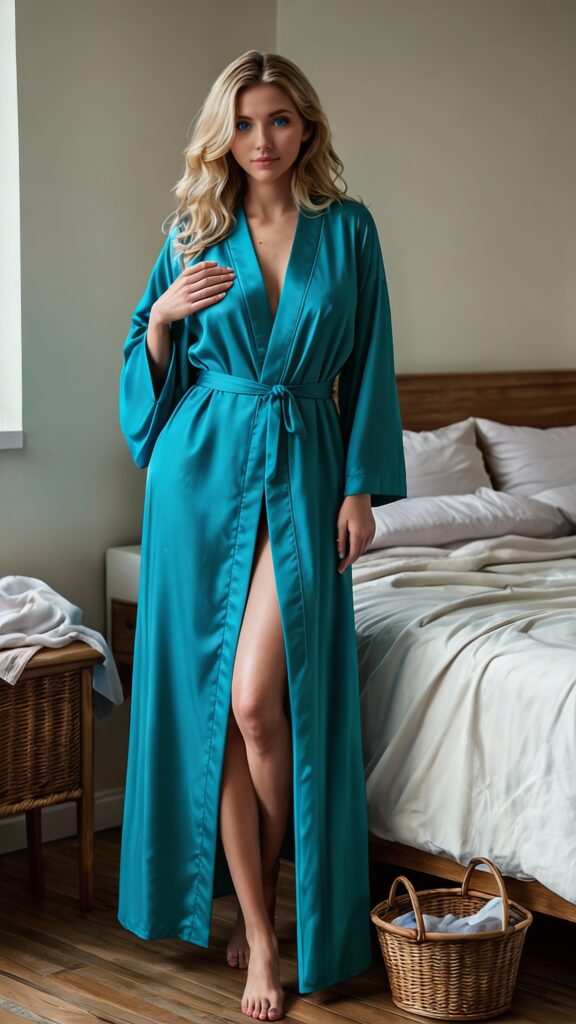
“Generate an image with the character wearing a blue silk robe in the well-lit, luxurious master bedroom, bending over the large queen bed.”
You can use an underscore (_) to make it clearer for your AI to understand and produce better results. The underscore helps put together concepts for smoother and more concise images. For instance:
(wearing_floor_length_blue_silk_robe) (Standing_by_queen_bed), (Luxurious_Bedroom)
This way, your prompts are brief and direct for Ourdream AI image generator to understand your prompts easily. Besides, this will save on your dreamcoins. Remember that you can always edit your images
Ourdream AI NSFW video generation review 2026
Ourdream AI NSFW video generator is among the best, even in the AI porn industry. I’ve honestly loved my experience with Ourdream AI videos, but only after getting my prompting correct. If you want consistent results, ensure you edit your base image to your satisfaction before you head over to generate videos. All your videos of your character depend on this image, after all, AI cannot create videos from nothing.
Additionally, AI also understands natural language, especially when using the custom prompt option, which I recommend. However, when working with Ourdream AI video generator, you must think like a cinema director. These are some of the things you should think about before you come up with your prompt:
- Physical description of the scenario
- Character actors
- Main actions
- Camera angle
- Lighting Details
These concepts should help make your videos better and more consistent. It is also important to use simple tags in your prompts to help the AI understand your language and produce good results. Remember to use proper grammar and spelling as well as formatting with underscores for the best results.
Before we get into how to prompt your videos properly, remember that AI can only do so much within a 5-10 second window. If you happen to stuff your prompts too much, AI will only perform some actions and leave the rest.
Ourdream AI NSFW Video Generation Guide
Small mistakes can ruin your experience with Ourdream AI NSFW video generation. Too many details can weaken your output, and similarly, unclear instructions can distort your scene.
When you understand how the system works, you gain control and save on your dreamcoins. The three rules below will help you avoid common problems and produce cleaner, smoother videos.
Respect the Token Limit
Every image or video generation has a token limit, and so does every word you write. Descriptions of movement, lighting, camera angles, physics, clothing, background elements, and facial details all compete for space, and for dreamcoins
If you overload your prompt with too many elements, the system will begin dropping or distorting details. This is why complicated scenes often produce missing objects, warped faces, or inconsistent motion.
You should focus only on the elements that truly matter and prioritize the main subject and the primary action. The simpler your prompt, the more accurately the system can execute it.
The actions that involve physics or complex motion appear to carry more weight, and when combining heavy motion with excessive environmental detail, something will usually fail. It is best to keep it simple for cleaner results.
Be Clear About the Action
The system only executes what it clearly understands. This means that if your instructions are vague, the output will be unpredictable.
Preset actions, such as Dancing or Standing Doggy, already contain internal instructions. These presets use tokens before you even add your own details, but at the same time, that reduces the amount of control you have over the final result.
If you want precision, use custom prompts and write in direct language. It helps when you describe the action in plain terms instead of stacking multiple movements into one sentence.
Simple actions like surfing or biking often generate smoother motion and more stable faces when written as clean custom prompts. Additionally, clear instructions reduce facial morphing and motion errors.
Control the First Frame
Video generation is heavily influenced by the first frame as the system builds motion from what it sees and what you describe.
Image to Video works well because the character and environment are already defined. Therefore, the system does not need to spend tokens constructing those elements from text.
You should generate your base image first and refine it using image editing until lighting, background, pose, and key details are correct. Once the visual foundation is solid, animate it.
If a physical detail is visible in the first frame, the AI recognizes it and animates it accurately. If a detail is missing and not described clearly, the system will guess, and usually, that guess may not match your intention.
You control the outcome by controlling what the AI sees and what you explicitly state.
How to Write Strong Ourdream AI NSFW Video Prompts
If you are interested in consistent, high-quality NSFW videos in Ourdream AI, you must approach prompting with structure and intention. Random descriptions will lead to unstable outputs, and overloaded prompts will cause missing details. Therefore, you need a clear prompting system that prioritizes control, clarity, and efficiency.
This method works best in the Custom SFW Action Preset and the Custom NSFW Action Preset. Ourdream AI presets contain built-in instructions that consume tokens before you add your own directions. As a result, you lose flexibility and reduce precision. When you use custom presets, you retain full control over movement, timing, and emphasis.
Most importantly, you must use natural language correctly. You should avoid similes, metaphors, and symbolic phrasing because they confuse the model. Instead, describe physical actions directly and literally. The system performs best when it understands clear mechanical instructions.
To build strong prompts, you must divide your structure into three distinct sections:
- The Scene Description
- The Fully Weighted Prompt
- The Stylistic and Technical Commands.
Scene Description
First, you write the narrative overview of the entire video. This section explains what happens from beginning to end in chronological order. In many cases, this description strongly influences the first frame, thereby directly affecting animation stability.
Begin by defining the setting and the character. Then describe the starting pose and position. After that, explain the primary action sequence step by step. At the same time, specify camera behavior, including angle and movement. Finally, establish the lighting and overall atmosphere.
For example, instead of writing that a character moves seductively, you should describe the exact mechanics of the motion. You might explain that she stands beside the bed, pauses briefly, and then walks toward the camera while maintaining steady eye contact. By describing hips swaying or hands gripping fabric as physical movements rather than emotional cues, you reduce ambiguity.
When writing NSFW content, describe body positioning, direction of movement, and camera perspective explicitly. In other words, replace vague passion-driven language with structured action-driven language.
Fully Weighted Prompt
Next, you construct the technical control layer of your video. This section determines motion strength, timing, and priority. Every action must follow a precise format:
Action description::Weight (Time)
The action describes the physical movement. The weight determines how strongly the system emphasizes it. The time defines how long it lasts.
For example:
She slowly kneels on the bed while maintaining direct eye contact with the camera::1.4 (5.0s)
Here, the weight 1.4 emphasizes motion, and the five-second duration defines the animation window.
Furthermore, you can create concurrent actions by overlapping time values. For instance, if eye contact should last ten seconds but walking only lasts five seconds, you would write:
- She maintains direct eye contact with the viewer::1.3 (10.0s)
- She walks slowly toward the camera::1.5 (5.0s)
In this case, both actions occur simultaneously for five seconds. Afterward, only eye contact continues. This layered timing increases realism while preserving control.
However, you must avoid stacking too many movements into one command line. When multiple complex actions share a single description, the system may drop or distort them. Therefore, separate major movements into individual commands. This separation improves stability and reduces animation errors.
Finally, adjust weights gradually. If motion appears weak, increase weight slightly. If motion becomes exaggerated or unstable, reduce it carefully. Small changes often produce significant differences.
Stylistic and Technical Commands
After defining motion, it’s time to establish the global parameters. Unlike the weighted prompt section, these commands do not describe movement. Instead, they define how the entire video looks and feels.
The format remains simple:
(setting:weight)
These settings may include resolution, lighting type, camera perspective, environment tone, or overall mood. For example:
- (4k resolution, cinematic lighting)
- (low-angle perspective:1.3)
- (warm bedroom lighting, soft shadows:1.4)
- (intimate atmosphere:1.5)
Because these commands apply to the entire clip, they should remain focused. If you overload this section with excessive stylistic demands, you consume tokens that should support motion quality. Consequently, animation accuracy may decline.
Therefore, choose one dominant lighting style, one camera orientation, and one primary atmosphere.
Conclusion
In addition to structure, you must control the visual foundation. Whenever possible, use Image to Video. By generating and refining the base image first, you reduce token usage for character construction. As a result, the system can dedicate more processing to animation accuracy.
Moreover, visible details in the first frame increase reliability. If anatomy, pose, or environment elements are clearly shown, the system animates them more accurately. Conversely, if something is missing visually and not described explicitly, the system will guess. Guessing leads to inconsistency.
Finally, always prioritize the primary action. Instead of attempting complex choreography, focus on one dominant interaction, one camera behavior, and one lighting direction. Controlled simplicity produces smoother motion and stronger visual coherence. I hope this Ourdream ai nsfw video generation review 2026 helps you get ahead with your creation.